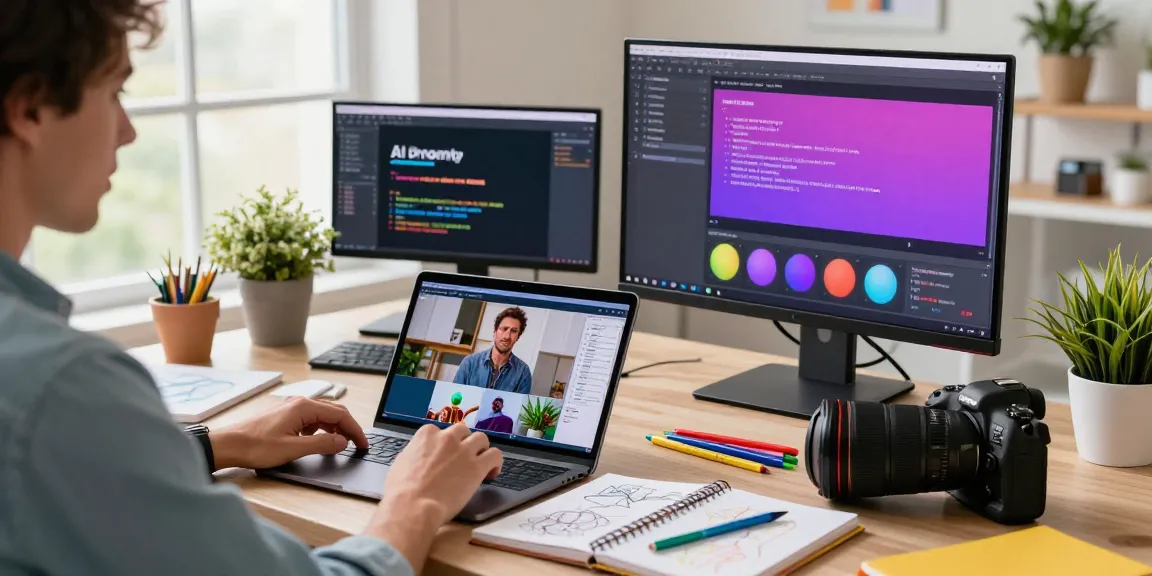
Understanding the Video to Prompt Converter Technology
The emergence of artificial intelligence has transformed various fields, particularly in video creation and analysis. One of the most innovative tools to surface in this landscape is the video to prompt converter. This technology enables users to generate text prompts from video content, allowing creators to replicate styles, themes, and techniques effectively. This article will explore the intricacies of video to prompt converters, providing insights into their functionality, benefits, and operation.
What is a Video to Prompt Converter?
A video to prompt converter is a specialized software application that analyzes video files and generates descriptive text prompts based on the content of those videos. This technology breaks down visual elements, such as actions, settings, and camera movements, into easily digestible prompts that can be used in various AI models. Essentially, these converters take the guesswork out of video creation by providing creators with tailored prompts that can guide their projects effectively.
How Does the Technology Work?
The underlying technology of video to prompt converters relies on advanced machine learning algorithms that can process visual information with high precision. Here’s how it typically works:
- Video Upload: Users upload their video files, which can be in formats such as MP4, MOV, or WEBM.
- Analysis: The converter analyzes each frame, extracting key elements such as subjects, actions, camera angles, and lighting.
- Prompt Generation: Based on the analysis, the tool generates a series of text prompts that accurately describe the visual content, making it suitable for use with AI video creation models.
Benefits of Using Video to Prompt Converters
Utilizing a video to prompt converter offers numerous advantages for creators and marketers alike:
- Efficiency: Quickly transforms video content into usable prompts, saving time in the creative process.
- Creativity Boost: Provides inspiration by revealing the nuances of successful videos, allowing creators to replicate successful elements.
- Cross-Compatibility: Generates prompts optimized for various AI models, such as Sora, Veo, and Kling, ensuring versatility in usage.
Getting Started with Video to Prompt Conversion
As the demand for video content continues to rise, understanding how to effectively utilize a video to prompt converter becomes essential for creators. This section will outline the essential steps to get started with video prompt conversion.
Step-by-Step: Uploading Your Video
To begin using a video to prompt converter, simply follow these steps:
- Access the Tool: Visit a reliable video to prompt converter website.
- Upload Your Video: Drag and drop your video file into the designated area. Supported formats typically include MP4, MOV, JPEG, PNG, and WebP.
- Wait for Analysis: Allow the system to analyze the video, which may take a few moments depending on video length and complexity.
Selecting the Right AI Model for Your Needs
Once your video is uploaded and analyzed, the next step is selecting the appropriate AI model. Different models, such as Sora, Veo, and Kling, necessitate specific prompt structures. Understanding which model fits your creative vision can enhance the effectiveness of the generated prompts.
Interpreting the Generated Prompts Effectively
After the analysis, you will receive a series of prompts tailored to your video. It’s crucial to interpret these prompts accurately to maximize their utility. Look for keywords that indicate the style, action, or atmosphere of your video to maintain continuity in your projects.
Optimizing Prompts for Different AI Models
Effective prompt creation requires an understanding of the specific needs of different AI models. This section will delve into how to optimize prompts for various applications.
Understanding Model-Specific Prompt Structures
Every AI model has its unique requirements for prompt structure. For instance, prompts intended for Sora might need more narrative elements compared to those for Kling, which may focus on physics and texture. Familiarizing yourself with these specifications ensures that your generated prompts will perform optimally across models.
Using Keywords for Enhanced Video Creation
Incorporating relevant keywords can significantly enhance the quality of your video prompts. Keywords help to pinpoint essential elements such as actions, emotions, and settings, making your prompts more effective. For example, using terms like “drone shot” or “dynamic lighting” can make a substantial difference in the outcome of your AI-generated videos.
Best Practices for Sora, Veo, Kling, and Runway
To optimize your prompts, here are some best practices:
- Align with Model Specifications: Always consider the specific requirements of each AI model.
- Incorporate Detailed Descriptions: Use descriptive language to provide context and depth.
- A/B Test Prompts: Experiment with different iterations of prompts to see which yield the best results.
Common Challenges in Video to Prompt Conversion
While video to prompt converters are powerful tools, users may encounter challenges. This section will address common issues and possible solutions.
Identifying and Correcting Misinterpretations
Misinterpretations can occur during video analysis, leading to inaccurate prompts. Regularly review the generated prompts and be prepared to make manual adjustments where necessary. Familiarize yourself with the content to ensure that the prompts align with your creative vision.
Addressing Limitations of Current Technology
While advancements in AI are remarkable, some limitations may affect the accuracy of the generated prompts. Understand that not all elements of a video may be captured correctly, particularly nuanced emotions or subtle background details. Continuous updates and improvements in technology can mitigate these issues over time.
Navigating Privacy and Data Security Concerns
Many users are concerned about data privacy when using online tools. Ensure that the video to prompt converter you choose has clear privacy policies regarding data handling. It’s crucial to select a tool that does not store your uploaded videos or use your data for training purposes.
Future Trends in AI Video Generation Tools
As technology evolves, so does the landscape of video generation. This section will explore future trends to watch in the realm of AI video tools.
Innovation in Video Analysis and Prompt Generation
Future innovations will likely enhance the precision of video analysis, yielding more accurate and contextually rich prompts. Expect advancements in machine learning algorithms that can better interpret complex visual narratives and emotional cues.
The Growing Role of Social Media in Prompt Generation
Social media platforms are becoming critical sources of inspiration for content creators. As trends emerge, prompt generation tools will integrate capabilities to analyze popular video content on these platforms, allowing creators to stay ahead of the curve.
Predictions for 2026 and Beyond in Video Technologies
By 2026, we anticipate a significant evolution in AI video technologies, including improved accuracy of prompt generators and wider accessibility of tools for content creators of all levels. The integration of virtual reality and augmented reality in video creation will also likely pave the way for more immersive experiences.
What is the best free video to prompt converter?
There are several free tools available, but VideoPrompt.fun stands out for its user-friendly interface and robust features tailored for various AI models. Consider exploring this tool for your prompt generation needs.
Can I use this tool for image to prompt conversion?
Yes, many video to prompt converters also offer image-to-prompt capabilities. This function allows digital artists to analyze visuals and generate prompts that capture artistic styles and elements, which can be useful for maintaining a consistent creative approach.
How do I ensure my prompts are model-specific?
To ensure that your prompts suit a specific model, closely examine the requirements for each AI tool and adapt your text accordingly. Many converters will provide guidance on optimizing prompts for different models, so take advantage of those resources.
Is my data safe when using the video to prompt converter?
Data safety is a paramount concern when using online tools. Look for converters that have strict privacy policies, ensuring that your uploaded videos are not stored or used for unauthorized purposes.
What features should I look for in a video to prompt converter?
Essential features to consider include ease of use, speed of analysis, support for multiple AI models, and robust privacy policies. Additionally, having the capability for image-to-prompt conversion is a valuable feature for creators.